Chromebooks & modern browsers
Open the web edition with an assigned Forma account. A Chromebook does not need Linux enabled to use the browser editor. An internet connection is required for sign-in and access checks.
DESIGN & TECHNOLOGY, WITH ROOM TO EXPLORE
2D design software for the way your classroom works. Help pupils develop, measure and refine an idea, then prepare it for a practical project.
LEARN THROUGH MAKING
A name tag introduces dimensions and rounded corners. A stencil makes closed paths matter. A repeating pattern gives pupils a reason to try symmetry, alignment and arrays.
Use Forma to explore 2D CAD within Design and Technology lessons, from initial ideas and graphical communication to preparing outlines for computer-aided manufacture.
Explore classroom tutorials ↗Start with simple geometry, grids and exact sizes.
Explore curves, image tracing, lettering and shape combinations.
Check a design against the brief, refine it and save the next version.
YOUR DEVICES. THEIR IDEAS.
Choose an edition around your school’s equipment and account policies.
Open the web edition with an assigned Forma account. A Chromebook does not need Linux enabled to use the browser editor. An internet connection is required for sign-in and access checks.
Touch controls support tap-to-start drawing, two-finger pan and zoom, and a pen drawing mode. Try the workflow on your intended tablets during a school demonstration.
A separate Windows installer is available by arrangement. Desktop installation and serial-number licensing are managed separately from the browser edition’s account access.
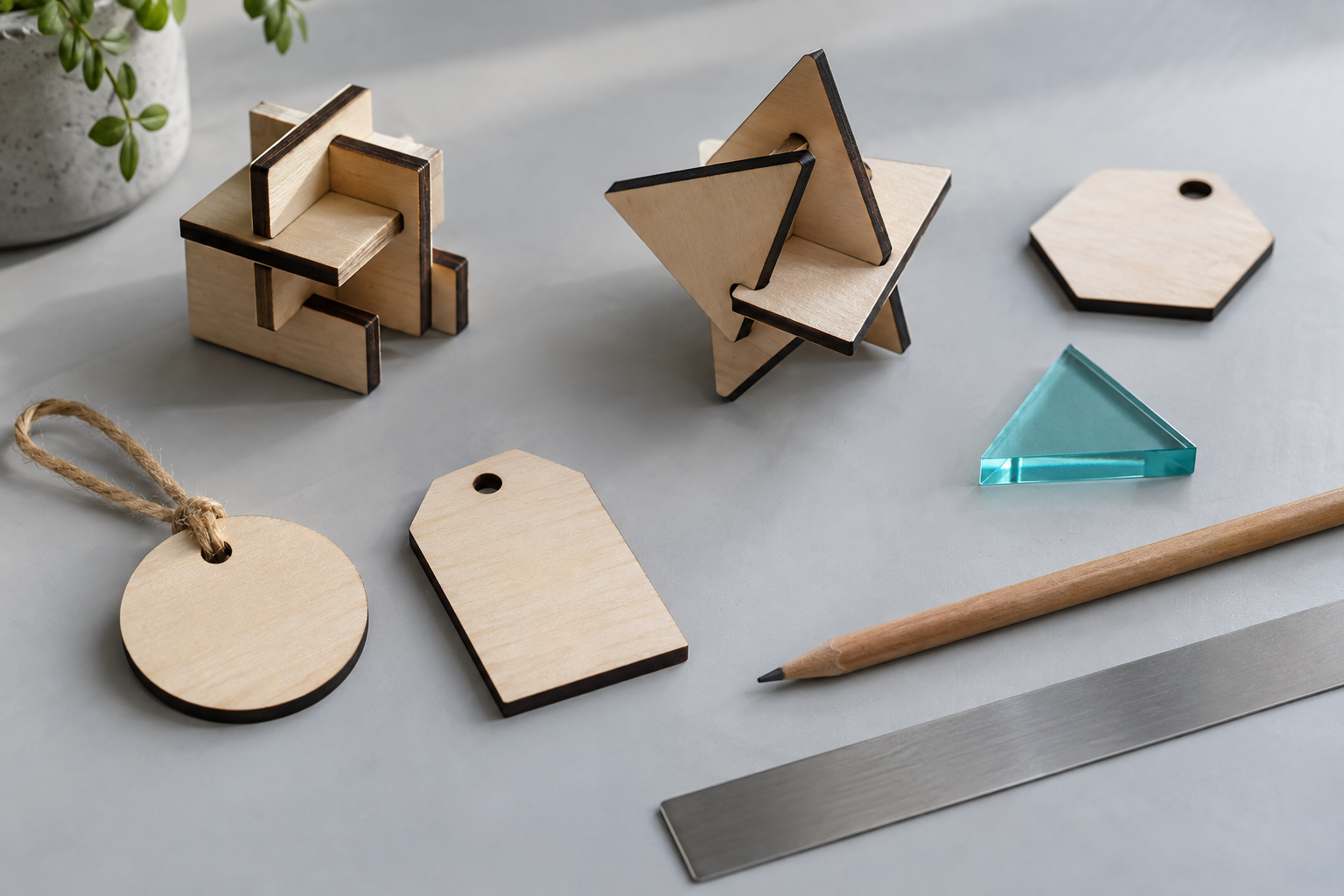 Illustrative project study
FROM PAPER TO PATHS
Use a compatible webcam or integrated tablet camera to preview a sketch, freeze a frame and turn it into vector outlines. Import photographs for image tracing, or process a bitmap with dithering.
Camera use needs permission from the browser and your school’s device policy. Drawings and captured images stay on the user’s device; the account service manages sign-in and access.
Try it on your school’s devices ↗SCHOOL ACCESS
Ask Specialised Laser Systems to arrange a 30-day web trial and the number of user accounts you need. We can discuss access for a class, a department or a wider school deployment.
Web seats are assigned to named accounts. School access periods and desktop volume licences are separate arrangements; we’ll explain the options for your setup.
Ask about school access ↗The English Design and Technology curriculum includes communicating ideas through computer-aided design and using computer-aided manufacture. Forma supports these kinds of activities; it is not an exam-board accreditation or a complete curriculum programme.
LET’S MAKE SOMETHING
Bring a familiar lesson or a sample design. We can explore the drawing tools, device access and file export together.