Make the geometry precise
Work in millimetres, type dimensions as you draw, and snap to centres, endpoints and intersections. Refine curves and move nodes directly on the drawing.
DRAW. PREPARE. SEND.
Forma2D brings precise drawing and laser output together. Create your design, prepare the job and send it directly to the Specialised Atom, Solo or Solo Plus from the same application.
SEAMLESSLY INTEGRATED WITH SPECIALISED
Keep the creative and production stages connected. Forma combines drawing, artwork preparation and machine output in a single workflow for the Specialised laser range.
Choose your machine and material, organise cutting and engraving operations, preview the job and send your design directly to the laser.
Explore the complete feature list ↗Draw, trace and refine your artwork with exact dimensions and editable vectors.
Select the machine and material, set your operations and preview the job.
Send directly to your Specialised laser and follow progress in Forma.
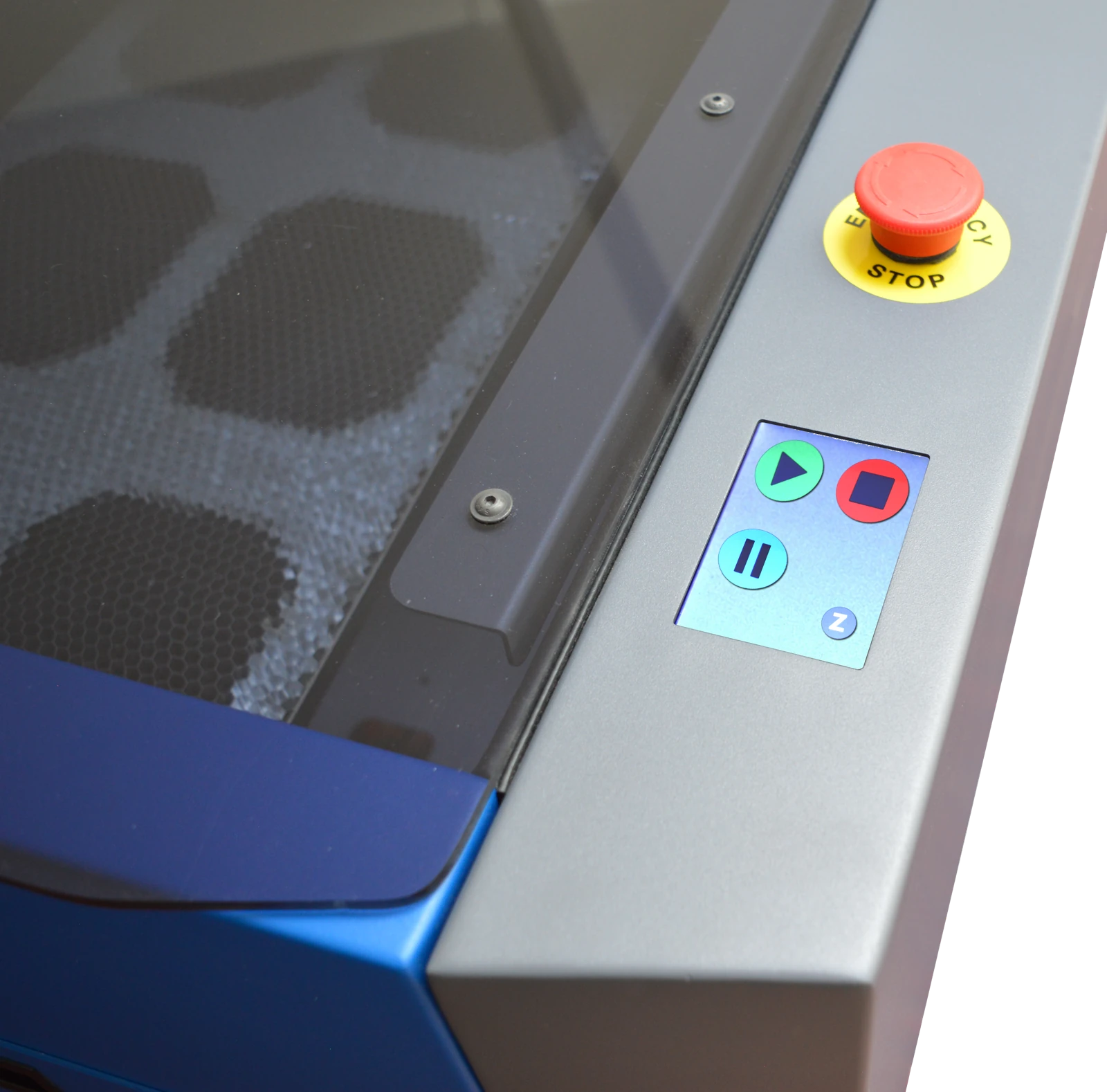 Solo Plus · closed lid and control display
SOFTWARE AND MACHINERY, BY SPECIALISED
Forma2D and the Specialised laser range bring software and machinery together around the work you want to make.
Choose Atom for a desktop format, Solo for a compact platform or Solo Plus for a larger working area. Add matched fume extraction and explore the right laser power for your projects.
Explore machines & extraction ↗GET MORE FROM YOUR ARTWORK
Go from an initial idea to organised geometry, prepared images and a considered laser job.
Work in millimetres, type dimensions as you draw, and snap to centres, endpoints and intersections. Refine curves and move nodes directly on the drawing.
Unite shapes, subtract openings, offset contours and convert text into closed outlines. Separate cutting, engraving and reference content with clear output layers.
Trace photographs or sketches into outlines and detailed lines. Use tonal adjustments, dithering and engraving scanlines to prepare image-based designs.
MATERIALS AND MACHINE SETTINGS
Use the integrated materials database to select settings for your Specialised system. Keep power, speed, passes and layer operations alongside the drawing.
Preview the job and estimated running time, then start, pause and follow its progress from Forma. Confirm the material and setup as part of your workshop routine.
FLEXIBLE FILES
Save an editable .forma project to keep developing your idea. SVG and DXF exchange options also let you bring suitable artwork into an existing workflow or share prepared designs.
Export vector drawings, image files and printable output when your project calls for them. Keep drawings and camera processing on your own device.
Explore saving and file formats ↗YOUR LASER WORKFLOW
Yes. Forma2D integrates drawing, job preparation and direct output to the Specialised Atom, Solo and Solo Plus range. Choose the appropriate machine and material settings, preview your job and send it from Forma.
Yes. File exchange remains available alongside integrated output. Save an editable .forma project for future changes, and use the appropriate exchange format when sharing artwork. Outline text where needed and check dimensions when importing files.
Yes. Import an image or capture a frame with a compatible camera. Trace outlines, centrelines or photographic detail, or explore dithering and scanlines for tonal image preparation.
Start with your intended materials, project sizes and available space. Compare Atom, Solo and Solo Plus on the Machines page, then arrange a demonstration around the work you want to make.
LET’S MAKE SOMETHING
Explore Forma and the Specialised laser range together. We can demonstrate a workflow around your lessons, materials and available space.