Draw it. Size it. Make it yours.
Lines, curves, circles, stars and polygons. Enter exact dimensions, snap to centres and nodes, and use live previews to see where your next point will land.
2D DESIGN SOFTWARE FOR SCHOOLS
From a first sketch to a precisely measured design. Forma brings precise drawing, image tracing and integrated Specialised laser output to the classroom.
Try instantly in your browser · School trials by arrangement
LESS FRICTION. MORE CREATION.
Tools that make sense in a lesson, with the control to turn a good idea into an accurate drawing.
Lines, curves, circles, stars and polygons. Enter exact dimensions, snap to centres and nodes, and use live previews to see where your next point will land.
Unite and subtract shapes, offset outlines, mirror and repeat. Convert text into closed vector outlines for a cleaner path from lettering to cutting.
Import an image or use a compatible webcam or tablet camera. Preview, freeze and trace it into vectors, with bitmap processing and dithering for image preparation.
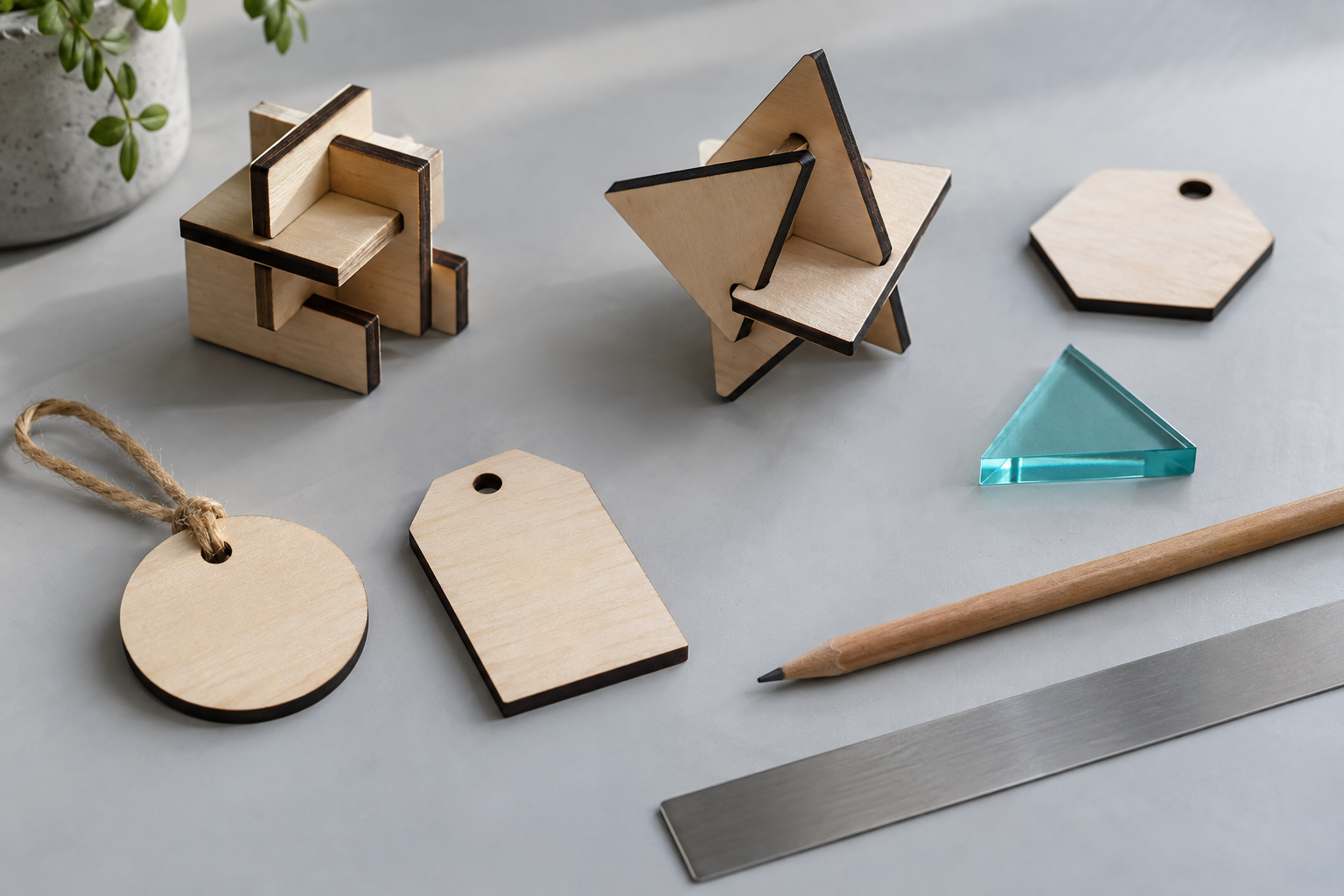 Ideas made tangible · illustrative project study
DESIGNED AROUND THE LESSON
Introduce CAD through projects pupils can understand: a name tag, a stencil, a geometric pattern or a product prototype.
The browser edition supports a school account workflow on Chromebooks and other modern devices. Drawing files and camera captures stay on the user’s device.
Explore classroom tutorials ↗FROM SCREEN TO WORKSHOP
Design, prepare and send from one application. Forma2D integrates precise drawing and job preparation with direct output to the Specialised Atom, Solo and Solo Plus laser range.
Select your machine and material, organise cutting and engraving operations, and follow your job from drawing to finished piece.
Explore integrated laser outputSketch, trace and refine your vectors.
Choose the material, operations and job settings.
Send directly to your Specialised laser from Forma.
LET’S MAKE SOMETHING
Tell us about your devices, projects and laser workflow. We’ll help you explore Forma with your own teaching in mind.